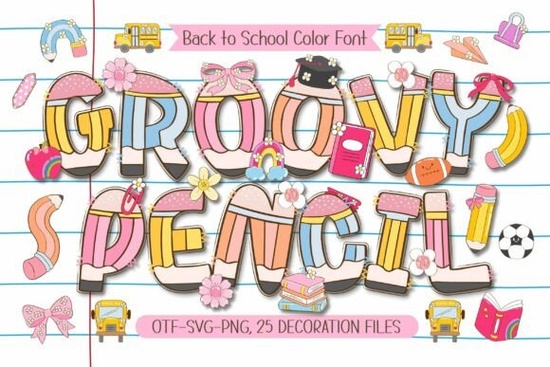
If you are designing materials for the upcoming school year, the Groovy Pencil Font gives your projects a playful, hand-drawn look that students and teachers actually want to look at. Instead of using standard, rigid typefaces, this vibrant color font brings a cheerful classroom vibe straight to your canvas. It combines bold lettering with built-in pencil details and comes with a set of matching educational doodles, making it a practical choice for anyone creating teacher resources, classroom decor, or back-to-school merchandise.
What makes this typeface stand out for educational projects?
When you are putting together worksheets, welcome banners, or study guides, the visual style matters just as much as the text. This typeface features adorable pencil-shaped letter details that instantly communicate a school theme without needing extra graphics. You get four bright, cheerful colors right out of the box, which saves time when you are color-matching your layouts.
Beyond the letters, the package includes 25 cute school-themed doodle cliparts. These feature everyday classroom essentials like apples, books, and educational icons. You can mix and match these vector elements with the text to build complete scenes for your layouts.
How can crafters and print-on-demand sellers use it?
For print-on-demand sellers and small business owners, having a versatile display typeface is essential for seasonal drops. You can use these letters to create festive first-day-of-school T-shirts, custom stickers for student laptops, or iron-on transfers for backpacks. Because the letters already have built-in doodle elements, your designs look finished with minimal effort.
If you are branching out into other seasonal niches, you might also want to explore a cross stitch style typeface for Fourth of July crafts, or try a striped lettering option for summer party invitations. Mixing up your typography keeps your shop inventory fresh throughout the year.
Is it easy to use in standard design software?
Yes, it works smoothly in most modern design programs. Since it is a color font, it will automatically display in its bright hues in software that supports OpenType SVG or color font features, like recent versions of Adobe Illustrator, Photoshop, and CorelDRAW. If your software does not support color fonts natively, you can easily apply your own color overlays or use the included solid shapes.
For crafters using cutting machines, you will want to use the solid vector paths to create clean cut files for vinyl decals. If you are looking for more playful typography for kids' apparel, you could also check out the Tiasa Hurung design or the Rope style for different textured looks.
Where can I find more resources and the full file package?
You can find the Groovy Pencil font and similar educational graphics directly on the creator's marketplace. Browsing the back-to-school category will give you access to matching clipart bundles, paper textures, and teacher planners to complete your product lines. You can also view the complete Groovy Pencil font product page to check the exact file formats included in your download.
Quick checklist before you start designing:
- Check software compatibility: Ensure your design program supports color fonts to see the built-in pencil details automatically.
- Organize your doodles: Separate the 25 included cliparts into folders by theme (e.g., stationery, subjects, classroom objects) for faster dragging and dropping.
- Test your cut lines: If making vinyl stickers, weld the text and doodles together in your cutting software to ensure a single, clean cut path.
- Pair with a readable body font: Use a simple sans-serif for longer paragraphs on worksheets so the playful display letters stand out on titles and headers.
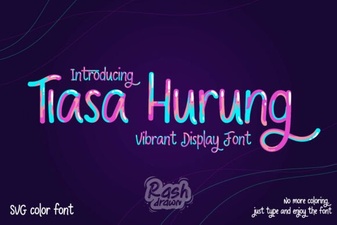 Tiasa Hurung Font: Design Value and Creative Use
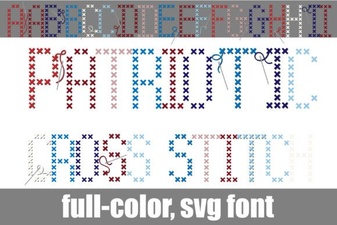 Crafting Patriotic Cross Stitch Lettering & Fonts
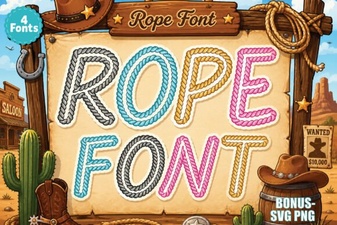 Rope Font Designs for Creative Projects
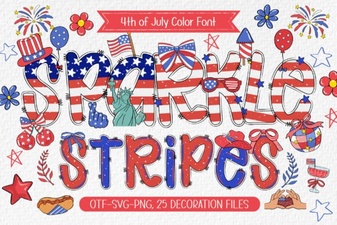 Sparkle Stripes Font: Designs & Download Guide
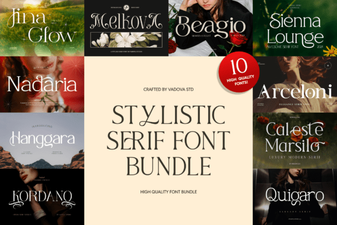 Stylistic Serifs for Creative Design Projects
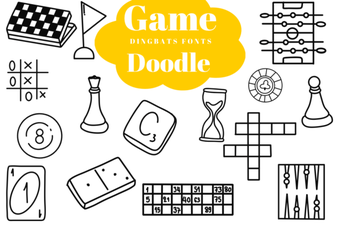 Creative Game Fonts for Doodle Designs & Logos