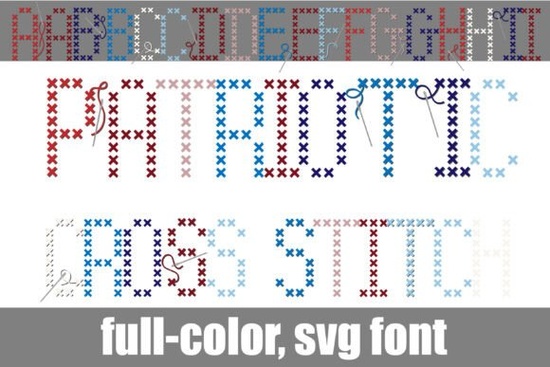
If you are looking to add a handmade, nostalgic feel to your holiday graphics, the Patriotic Cross Stitch Font is a fantastic choice. This full-color OpenType-SVG typeface replicates traditional needlepoint with pixel-perfect "X" stitches. Instead of manually layering dozens of graphic elements to get a stitched look, the colors and textures are built right into the letters. It is perfect for crafters, print-on-demand sellers, and small business owners who want authentic folk-art typography without the extra editing time.
How does the OpenType-SVG technology actually work?
Many crafters wonder how a single text layer can hold multiple colors and intricate details. Because this is built as a rich SVG color font, the software renders the distinct shades of deep red, navy blue, soft sky blue, dusty pink, and crisp white automatically. You simply type your words, and the program displays the silver sewing needles and loose embroidery floss trailing off the curves. You do not need to convert text to paths, outline the letters, or manually color each individual stitch. Just make sure your design software supports OpenType-SVG features to see the full, realistic effect right on your canvas.
What kind of projects work best with this needlepoint style?
This typeface shines when you want to evoke a cozy, heritage vibe. It is especially useful for seasonal and rustic designs where a personal touch matters. Here are a few practical ways you can use it in your shop or personal projects:
- Summer holiday invites: Create warm, welcoming headers for Fourth of July barbecue flyers or family reunion announcements.
- Home decor prints: Design cozy country kitchen labels, rustic Memorial Day posters, or vintage-style wall art.
- Personal keepsakes: Add custom family heritage scrapbook titles that look genuinely handcrafted and sentimental.
- Print-on-demand apparel: Print embroidery-themed digital designs on canvas tote bags, throw pillows, or coffee mugs.
Which programs support full-color SVG fonts?
To get the best results, you need to use software that properly recognizes color fonts. Adobe Illustrator, Adobe Photoshop, and Affinity Designer handle these files beautifully, keeping the vivid textures intact when you export your work for clients or your online store. If you are using an older program or a basic free editor that does not support SVG color fonts, the text will simply show up in a single flat color, and you will lose the intricate thread details. Always check your software's typography settings and update your applications if the colors are not rendering correctly.
How can I pair it with other crafty typefaces?
While this needlepoint style is highly detailed, you might need secondary fonts for body text, dates, or contrasting headers. Mixing textures keeps your designs visually interesting and prevents the layout from feeling too heavy. For instance, if you are making a summer party flyer, you could pair this specific needlepoint design with a vibrant hand-lettered style for the subheadings. If you are working on a coastal or nautical theme, a nautical themed typography works wonderfully alongside the red and white stitches. For a more playful, youthful layout, try combining it with fun striped lettering or casual sketched lettering to balance the heavy texture of the cross stitches.
Quick tips for using color fonts in your workflow
- Test your software first: Type a few letters to ensure the color layers load correctly before starting a large, complex project.
- Keep backgrounds simple: Let the detailed stitches stand out by using solid, neutral background colors like cream, soft gray, or pale wood textures.
- Check export settings: When saving as a PDF or PNG for your print-on-demand store, ensure your export profile preserves transparency and color accuracy.
- Use tracking carefully: Give the letters a little extra breathing room so the trailing floss details and needle graphics do not overlap awkwardly.
- Flatten for web: If you are uploading the final design to a platform that strips font data, remember to rasterize or flatten the text layer to keep the colors intact.
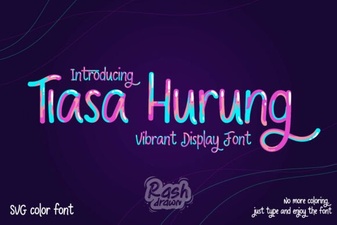 Tiasa Hurung Font: Design Value and Creative Use
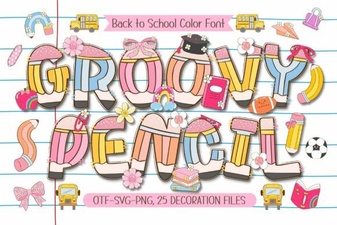 Groovy Pencil Font for Creative Projects and Ideas
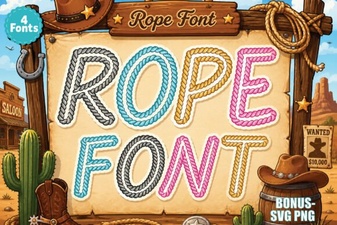 Rope Font Designs for Creative Projects
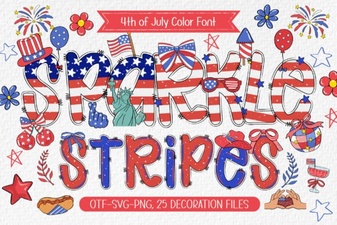 Sparkle Stripes Font: Designs & Download Guide
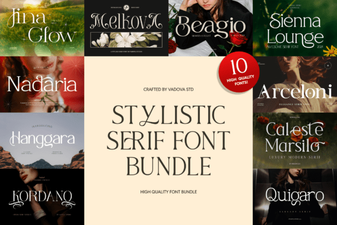 Stylistic Serifs for Creative Design Projects
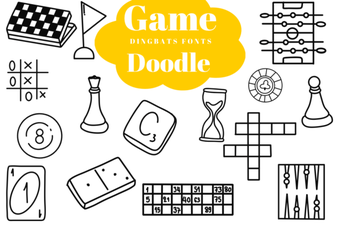 Creative Game Fonts for Doodle Designs & Logos